This comprehensive guide navigates you through the essential steps for how to recover your Roblox password swiftly and securely. Losing access to your Roblox account can be frustrating, especially when you're balancing gaming with work and family commitments. We understand that every minute counts, and getting back into your favorite experiences, from building unique worlds to connecting with friends, is a top priority. This article provides clear, step-by-step instructions for resetting your password using email or phone, troubleshooting common issues, and enhancing your account's security to prevent future lockout situations. Discover practical tips tailored for busy gamers who value efficiency and seamless gameplay. Learn to regain control of your Roblox presence without hassle, ensuring you can return to relaxation and skill-building in the vast metaverse. Stay informed about the latest security practices and ensure your digital playgrounds remain accessible and safe.
How do I recover my Roblox password if I forgot it?
The primary way to recover your Roblox password is through the official password reset page. Visit the Roblox login screen, click "Forgot Password or Username?", and then enter your linked email address or phone number. Roblox will send a recovery link or code to help you regain access.
What if I don't have access to the email or phone number linked to my Roblox account?
If you've lost access to your registered email or phone number, recovering your password becomes more challenging but not impossible. You'll need to contact Roblox Support directly. Be prepared to provide as much account-specific information as possible, such as past usernames, purchase history, or creation date, to verify your ownership.
Can I reset my Roblox password without an email or phone number?
No, you generally cannot reset your Roblox password without at least one verified contact method (email or phone number) linked to your account. These methods are crucial for security and identity verification. If neither is available, contacting Roblox Support with detailed account information is your only recourse.
How long does it take to recover a Roblox password?
Typically, if you have access to your linked email or phone number, recovering your Roblox password takes just a few minutes. The password reset link or code is usually sent instantly. If you need to contact support, the process can take longer, depending on verification and ticket volume.
What steps should I take immediately after recovering my Roblox password?
After successfully recovering your password, immediately update it to a strong, unique combination of letters, numbers, and symbols. Enable Two-Step Verification (2SV) via your account settings if you haven't already. This adds an extra layer of security, making it much harder for unauthorized users to access your account.
Why is two-step verification important for my Roblox account recovery?
Two-step verification (2SV) is critical because it provides a second layer of security beyond just your password. Even if someone obtains your password, they can't log in without the code sent to your verified email or authenticator app. This significantly reduces the risk of unauthorized access and future password recovery hassles.
Is there a way to prevent forgetting my Roblox password in the future?
Absolutely. Beyond creating a memorable yet strong password, consider using a reputable password manager. These tools securely store your credentials and can even generate complex passwords for you. Regularly updating your contact information on Roblox (email, phone) also ensures recovery options are always current and accessible.
Gamers, we've all been there. You just finished a long day of work, managed to squeeze in family time, and now you're finally ready to unwind in your favorite Roblox experience. Maybe you're building a new world, battling friends in a minigame, or simply exploring the vast metaverse. But then, disaster strikes: your Roblox password slips your mind. Suddenly, that moment of relaxation turns into a frustrating login loop. For the average US gamer, around 36 years old, who balances a job, family, and a passion for gaming, losing access to an account isn't just an inconvenience; it's a barrier to valuable unwind time and social connection. With 87% of US gamers regularly dedicating 10+ hours a week to their passion, often across mobile and PC/console, seamless access is non-negotiable.
This comprehensive guide is your lifeline, specifically designed to help you navigate how to recover your Roblox password with minimal fuss. We understand that your gaming time is precious, and fumbling with account issues eats into that. You want straightforward, actionable solutions, not technical jargon or endless support queues. We'll walk you through every step, from simple email resets to more complex scenarios, ensuring you can quickly regain control of your account, secure it against future issues, and get back to what you love doing most: playing Roblox. Whether you're a veteran player or just getting back into it, this article provides the essential tips and tricks you need to resolve your password woes efficiently, allowing you to focus on fun, skill-building, and connecting with your gaming community. Let's get you back into the Roblox action!
Why can't I log into my Roblox account?
There are several reasons why you might be struggling to log into your Roblox account, and understanding these can help pinpoint the recovery path. The most common issue, of course, is a forgotten or incorrectly entered password. Even a slight typo can prevent access. Your username might also be entered incorrectly; remember, Roblox usernames are case-sensitive and unique. Another frequent problem arises from an expired login session, especially if you're using Roblox on multiple devices or haven't logged in for a while. Sometimes, technical glitches or internet connection problems can interfere with the login process, making it seem like an account issue when it's not. Less commonly, your account might have been compromised or even banned, although Roblox typically notifies users in such cases. Before attempting to recover your Roblox password, it's wise to double-check your username and ensure your Caps Lock isn't on. For US gamers who spend an average of 10+ hours a week gaming, interruptions like this are frustrating, so identifying the root cause quickly saves precious time.
Recent trends in online security show that account breaches are a growing concern, impacting platforms across the board. While Roblox has robust security measures, user vigilance is key. If you've recently clicked on a suspicious link or shared your login details inadvertently, it's possible your account security has been compromised. In such scenarios, a swift how to recover your Roblox password strategy is even more critical. Additionally, make sure the Roblox app or website itself isn't experiencing temporary outages, which can occasionally happen and prevent logins. A quick check of Roblox's official social media channels or status page can confirm if the issue is widespread or specific to your account.
How do I recover my Roblox password using email?
If you've forgotten your Roblox password and have access to the email address linked to your account, this is generally the quickest and most straightforward recovery method. Roblox has streamlined this process to get you back into your games without unnecessary delays. Here's a step-by-step guide:
- Go to the Roblox Login Page: Open your web browser and navigate to the official Roblox website (www.roblox.com).
- Click "Forgot Password or Username?": Below the login fields, you'll find a link titled "Forgot Password or Username?". Click on this.
- Enter Your Email Address: On the next screen, you'll be prompted to enter the email address that is associated with your Roblox account. It's crucial that this email is correct and accessible.
- Check Your Inbox: After submitting your email, Roblox will send a password reset link to that address. Go to your email client and look for an email from Roblox. Remember to check your spam or junk folder if you don't see it in your primary inbox within a few minutes.
- Click the Reset Link: Open the email and click on the provided password reset link. This link is usually time-sensitive for security reasons, so act quickly.
- Create a New Password: The link will take you to a page where you can create a brand-new password. Choose a strong, unique password that combines uppercase and lowercase letters, numbers, and symbols. Avoid using easily guessable information like birthdays or common words. Confirm your new password.
- Log In with Your New Password: Once you've successfully reset your password, return to the Roblox login page and use your username and your newly created password to log in.
This method is optimized for efficiency, catering to adult gamers who need quick solutions to balance their gaming hobby with life's demands. Remember, how to recover your Roblox password through email is the most common and secure path when your email is current.
What if I don't have access to my linked email for Roblox?
Losing access to your linked email can feel like a major roadblock when trying to recover your Roblox password, but it's not an insurmountable obstacle. Many gamers face this, perhaps due to an old email address, a forgotten password for the email itself, or a deactivated account. While the direct email reset won't work, Roblox provides alternative pathways, though they might require a bit more effort and patience. The key is verification.
Option 1: Recover Your Email Account First
If you've lost access to your email, your first priority should be to try and recover that email account. Email providers like Google, Microsoft, or Yahoo have their own password recovery processes, often involving phone verification or security questions. Once you regain access to your email, you can then proceed with the standard Roblox password recovery steps outlined above.
Option 2: Use a Linked Phone Number
If you had a phone number verified and linked to your Roblox account, you can use that for recovery. This is often an overlooked feature but incredibly valuable. During the "Forgot Password or Username?" process, Roblox might offer the option to send a verification code to your linked phone number instead of email. If available, this bypasses the email issue entirely. This highlights the importance of keeping all your contact information updated on gaming platforms, a lesson many busy gamers learn the hard way.
Option 3: Contact Roblox Support
If neither email nor a linked phone number is accessible, contacting Roblox Support directly is your next essential step. This process requires more time as you'll need to prove account ownership. Here's what to expect:
- Go to the Roblox Support page (support.roblox.com).
- Select the appropriate help topic, typically under "Account & Login Issues".
- Fill out the support form with as much detailed information as possible. This includes your Roblox username (if you remember it), any associated email addresses you might have used in the past, phone numbers, and crucially, any purchase history you've made on Roblox (like Robux purchases, game passes, etc., including transaction IDs and dates).
- Be patient. Roblox Support may take a few days to respond as they verify your information. Providing accurate and extensive details significantly speeds up the process.
For gamers balancing work and family, this can be a hurdle, but Roblox's commitment to security means they take account verification seriously to protect your assets and privacy. Preparing this information beforehand can ease the stress of figuring out how to recover your Roblox password when primary methods fail.
Can I recover my Roblox password using a phone number?
Absolutely, yes! For many US gamers, especially those who rely heavily on mobile devices for their Roblox fix (a dominant trend this month, with mobile gaming continuing to grow), using a phone number for password recovery is a highly convenient and often faster alternative to email. If you've previously added and verified a phone number to your Roblox account, you can leverage this for a quick password reset. This method is particularly beneficial if you're experiencing issues with your linked email or simply prefer text-based verification.
Here's how to recover your Roblox password using your phone number:
- Navigate to the Roblox Login Page: Just like with email recovery, start by going to the official Roblox website or opening the app.
- Click "Forgot Password or Username?": Select this option to begin the recovery process.
- Choose Phone Number Recovery: On the recovery screen, instead of entering an email, look for an option to use your phone number. You'll typically enter the phone number you've linked to your account.
- Receive a Verification Code: Roblox will send a 6-digit verification code via SMS to your registered phone number.
- Enter the Code: Type this code into the designated field on the Roblox recovery page.
- Set a New Password: Once the code is verified, you'll be prompted to create and confirm a new, strong password for your account.
- Log In: Use your username and the new password to access your Roblox account.
This method underscores why keeping your account information, including a verified phone number, up-to-date is crucial for efficient account management. It's a prime example of how gaming platforms are adapting to provide flexible, user-friendly security options, understanding that players need swift solutions to get back to their virtual worlds. For those asking how to recover your Roblox password quickly, a linked phone number is often the fastest route.
What should I do if I forgot my Roblox username?
Forgetting your Roblox username can be just as frustrating as forgetting your password, as you need both to log in. Luckily, Roblox has provisions for this common predicament. Your username is your unique identifier in the Roblox metaverse, and without it, even a perfect password won't grant you access. But don't despair; there are practical steps you can take to retrieve it.
Method 1: Use the "Forgot Password or Username?" Feature
The same recovery page used for passwords can help with usernames. When you click "Forgot Password or Username?" on the Roblox login page, you'll typically be given the option to recover either. If you enter your linked email address or phone number, Roblox will send you information that often includes your associated username(s). This is usually the quickest way to find out your username.
Method 2: Check Your Email History
If you've ever received emails from Roblox, such as promotional messages, Robux purchase confirmations, or even past password reset notifications, your username is often mentioned in the body of these emails. Search your inbox for emails from "Roblox" or "[email protected]" and sift through them. This trick often helps busy gamers who might have multiple accounts or haven't logged in for a while.
Method 3: Ask a Friend
If you play Roblox with friends, they might still have you on their friends list. Ask a friend who you frequently interact with in Roblox to check your username for you. They can usually see it when viewing your profile in the game or on the website. Social gaming is a huge part of the Roblox experience, and your friends can be a great resource for things like this.
Method 4: Contact Roblox Support
If all else fails, you'll need to contact Roblox Support. Similar to a situation where you can't recover your Roblox password through primary means, you'll need to provide as much identifying information as possible. Be ready with: any email addresses or phone numbers you might have linked, details about recent Robux purchases (dates, amounts, transaction IDs), or the approximate date you created the account. The more information you can provide, the easier it will be for support to verify your identity and help you retrieve your username.
Remember, keeping a record of your important gaming account details, perhaps in a secure password manager, can save you a lot of hassle in the future, allowing you more time to enjoy social games and skill-building experiences on platforms like Roblox.
How can I secure my Roblox account to prevent future lockouts?
Preventing future lockouts and protecting your Roblox account is just as crucial as knowing how to recover your Roblox password. With cybersecurity threats constantly evolving, especially targeting popular platforms, taking proactive steps can save you significant frustration and potential loss of game progress or Robux. For gamers who juggle life's demands, robust security means peace of mind and uninterrupted playtime.
1. Enable Two-Step Verification (2SV)
This is arguably the most important step. Two-Step Verification (also known as 2FA) adds an extra layer of security to your account. Even if someone manages to guess or steal your password, they won't be able to log in without a second code sent to your verified email or an authenticator app. Enabling 2SV on Roblox is simple:
- Go to your Account Settings on Roblox.
- Navigate to the "Security" tab.
- Enable "2 Step Verification" and follow the prompts to link it to your email or a compatible authenticator app (like Google Authenticator or Authy).
This is a game-changer for account security, a critical feature for any online gamer in 2026.
2. Use a Strong, Unique Password
Create a password that is complex and not easily guessable. It should be:
- At least 10-12 characters long.
- A mix of uppercase and lowercase letters.
- Include numbers and symbols.
- Unique to your Roblox account – never reuse passwords from other sites.
Consider using a reputable password manager to generate and store these complex passwords securely, eliminating the need to memorize dozens of different combinations.
3. Keep Your Contact Information Updated
Ensure your linked email address and phone number on your Roblox account are current and accessible. These are your primary recovery tools if you ever forget your password. If you change your email or phone, update it on Roblox immediately.
4. Be Wary of Phishing Scams
Never click on suspicious links in emails, Discord messages, or other platforms that claim to be from Roblox and ask for your login information. Roblox will never ask for your password outside of the official login page. Always double-check the URL before entering your credentials. Phishing attempts are a constant threat, and informed gamers are the best defense.
5. Educate Yourself on Account Security
Stay informed about common online scams and best practices for account security. Roblox's support pages often provide excellent resources. A proactive approach to security helps maintain your gaming rhythm, a key desire for adult gamers who value their relaxation time.
By implementing these measures, you significantly reduce the risk of needing to figure out how to recover your Roblox password again, ensuring your digital playgrounds remain safe and accessible.
Are there any common Roblox password recovery mistakes to avoid?
When you're in a rush to get back into Roblox, it's easy to make small mistakes that can prolong the password recovery process. Avoiding these common pitfalls can save you time and frustration, especially for busy gamers who value efficiency. Knowing how to recover your Roblox password effectively means also knowing what *not* to do.
1. Entering the Wrong Email or Phone Number
This is perhaps the most common mistake. Double-check that the email address or phone number you're entering into the password recovery form is the exact one linked to your Roblox account. Even a single typo will prevent the recovery link or code from reaching you. Many users have multiple email addresses; ensure you're using the correct one associated with Roblox, not just your primary email.
2. Not Checking Spam/Junk Folders
After requesting a password reset, if you don't see the email immediately in your inbox, don't panic. Always check your spam or junk mail folders. Email filters can sometimes mistakenly flag legitimate emails from Roblox as spam. A quick check here can often resolve the issue instantly.
3. Using Outdated Contact Information
If you've changed your email address or phone number since you last updated it on Roblox, the recovery attempt will fail. This underscores the importance of regularly updating your account's contact details. Trying to recover using old, inaccessible information is a dead end and will necessitate a longer support process.
4. Falling for Phishing Scams
Never, under any circumstances, provide your login details or click on suspicious password reset links from unofficial sources. Scammers frequently create fake Roblox login pages or send fraudulent emails designed to steal your credentials. Always verify that you are on the official Roblox website (roblox.com) before entering any sensitive information. An official Roblox password reset link will always come directly from Roblox and direct you to their official site, not a third-party link.
5. Making Too Many Recovery Attempts Too Quickly
Some systems can temporarily block an account or IP address if too many incorrect recovery attempts are made in a short period. If you're having trouble, take a break, double-check your information, and try again after a few minutes or hours. Persistence is good, but rapid, repeated failures can sometimes be counterproductive.
By being mindful of these common mistakes, you can significantly streamline your efforts when trying to figure out how to recover your Roblox password and get back to gaming without unnecessary delays.
How long does Roblox password recovery usually take?
The time it takes to recover your Roblox password can vary significantly depending on which method you use and whether you have access to your linked recovery information. For busy US gamers, understanding the timeframe can help manage expectations and plan their limited gaming sessions.
Instant Recovery (Minutes)
If you have immediate access to the email address or phone number linked to your Roblox account, the password recovery process is typically very fast, often taking only a few minutes. Here's why:
- Email Reset: Once you submit your linked email on the
Simple steps to recover Roblox password, email and phone recovery options, troubleshooting common issues, securing your account for the future, quick access for busy gamers, prevent future lockouts, Roblox account security tips, forgotten password solutions.
35#1 Gallery how to recover your roblox password


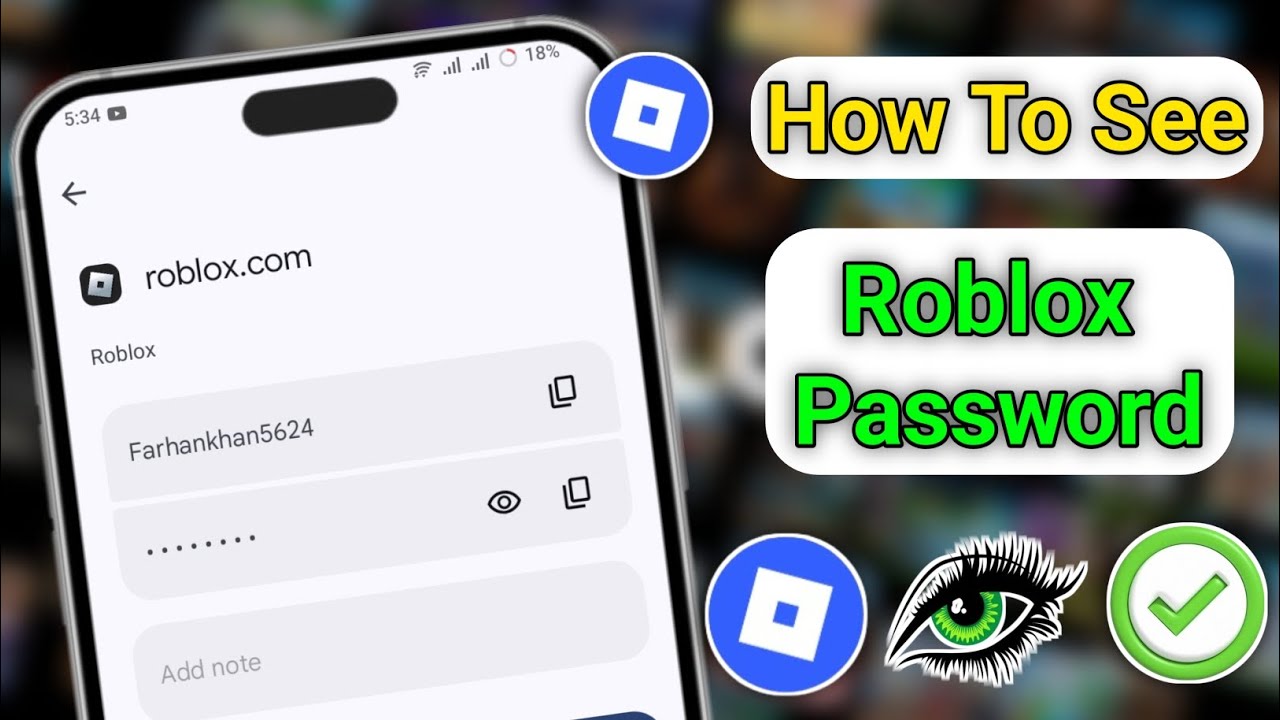

Lost Roblox Password How To Find Yours In 2026 . Lost Roblox Password How To Find Yours In 2026 . Lost Roblox Password How To Find Yours In 2026 . How To Know Your Roblox Password 2026 Recover Roblox Password See . Lost Roblox Password How To Find Yours In 2026
#2 Gallery how to recover your roblox password




How To Reset Your Roblox Password 2026 How To Recover Roblox Account . How To Reset Your Roblox Password Without Email 2025 Get Your . 2026 How To RECOVER ROBLOX ACCOUNT WITHOUT EMAIL OR PHONE NUMBER . How To Reset And Change Your Roblox Password 7fa517f7 638c 4bf2 B2ba. 4 Ways To Reset Roblox Password Forgot Roblox Password
#3 Gallery how to recover your roblox password


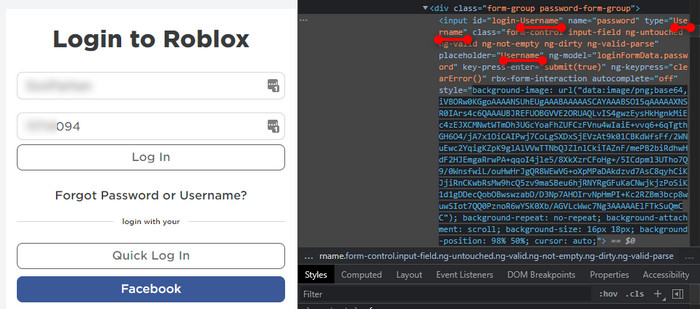
Lost Roblox Password How To Find Yours In 2026 . Lost Roblox Password How To Find Yours In 2026 . How To Recover Your Roblox Account Without Email Or Password 2024 . Lost Roblox Password How To Find Yours In 2026 . How To Find Your Roblox Password For 2026 Reveal Roblox Password
#4 Gallery how to recover your roblox password


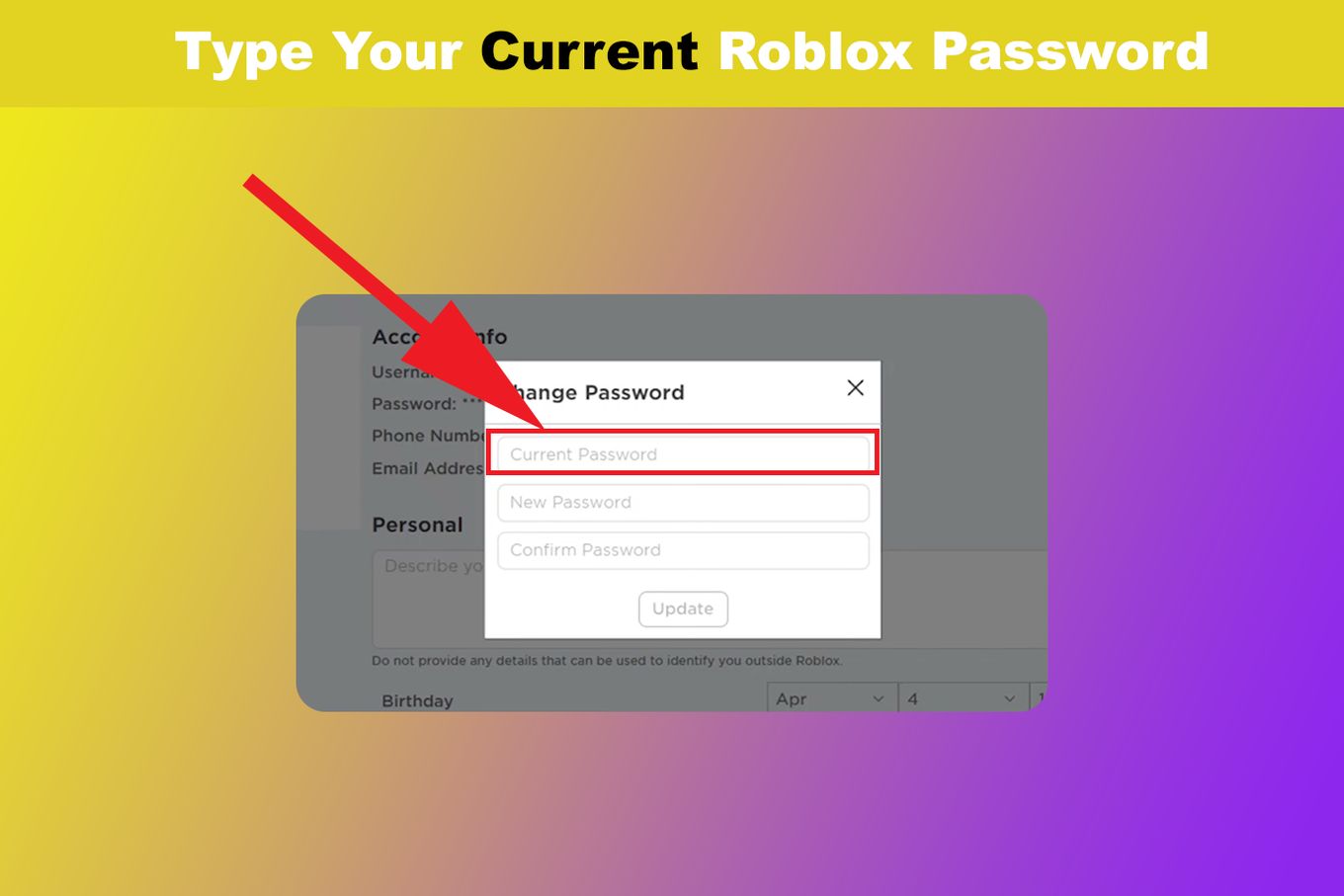
Lost Roblox Password How To Find Yours In 2026 . How To Find Your Roblox Password For 2026 . Lost Roblox Password How To Find Yours In 2026 . Roblox PW Reset Quick Amp Easy Guide Change Your Roblox Password Step 14 . How To Find Your Roblox Password For 2026 Enter Current Password
#5 Gallery how to recover your roblox password

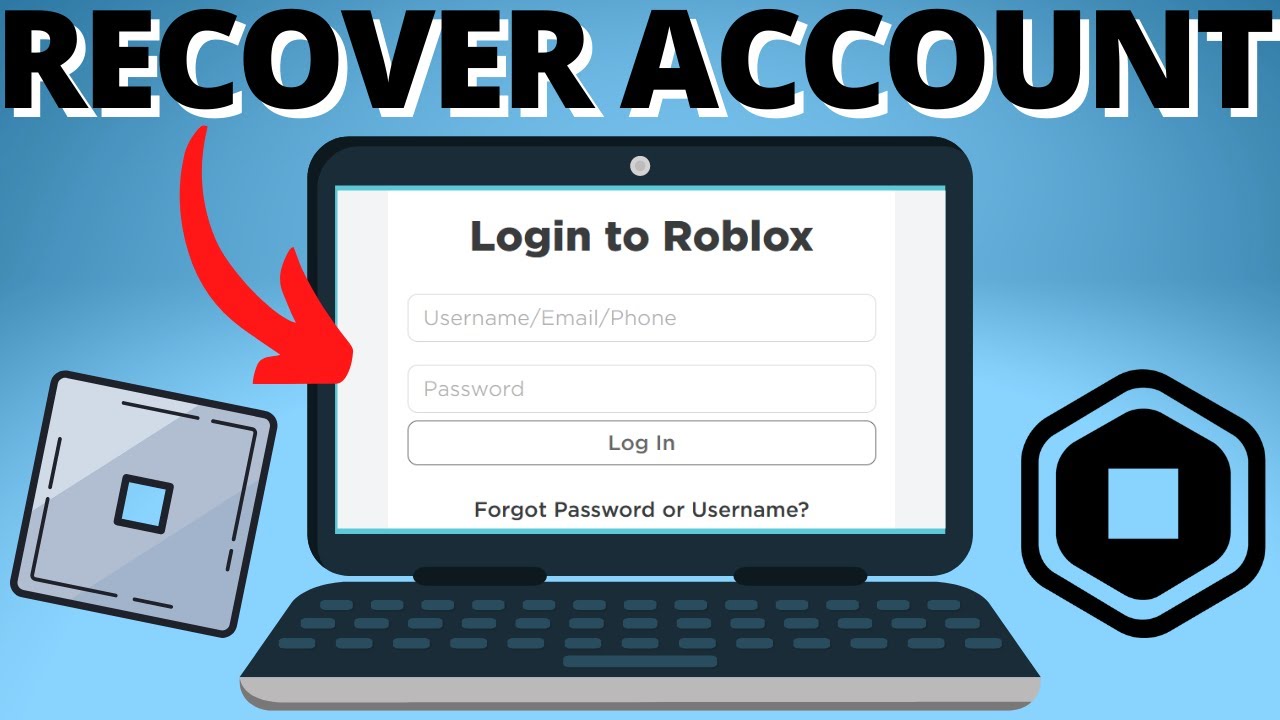


Roblox Account Password Guessers Friend Or Foe Robfp7 1024x528 . Lost Roblox Password How To Find Yours In 2026 . How To Recover Roblox Account Without Email Or Password 2022 YouTube . How To Find Your Roblox Password For 2026 . Lost Your Roblox Password How To Recover It Now Post 130661 En
#6 Gallery how to recover your roblox password

How To Recover Your Microsoft Outlook Password Dibujos Cute Para Imprimir . Lost Your Roblox Login How To Recover Account Without Email Or Password Recover Roblox Account Without Email Or Password . How To Find My Email Password From Outlook Dibujos Cute Para Imprimir . Lost Your Roblox Login How To Recover Account Without Email Or Password . Lost Roblox Password How To Find Yours In 2026 How To See Your Roblox Account Password Guide
#7 Gallery how to recover your roblox password


Lost Roblox Password How To Find Yours In 2026 Mqdefault . Lost Your Roblox Password How To Recover It Now Reset Password Button . How To View And Recover Your Roblox Password Quick Easy YouTube . How Old Is My Roblox Account Find Out Now . Roblox Account Gone Heres How To Possibly Get It Back 2024